The Event Technology Stack: What Organizers Need
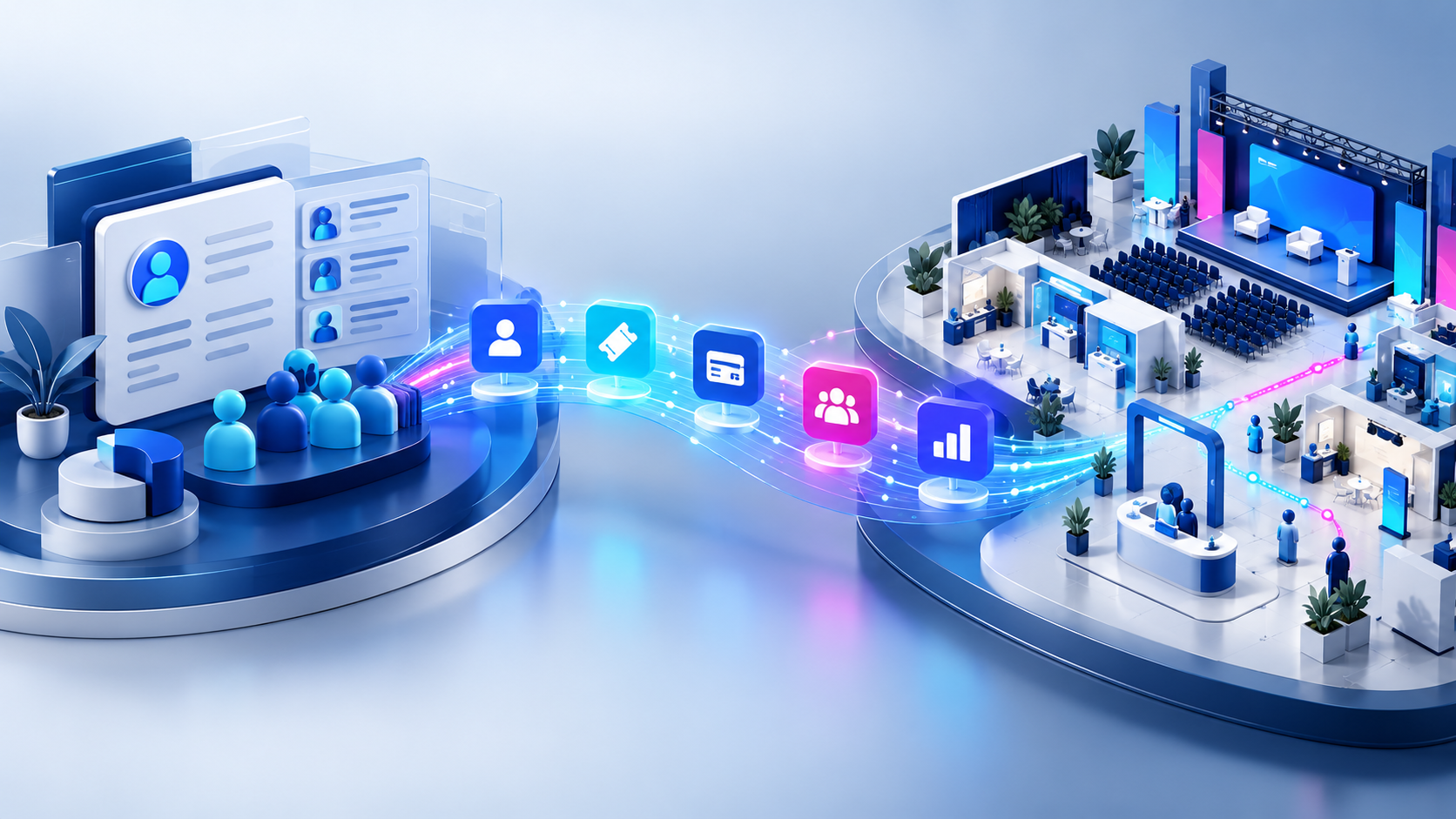
An event technology stack is the set of tools an organizer uses to sell, run and measure events, plus the connections between them. Most stacks include registration and ticketing, a floor plan and booth sales tool for exhibitions, an event app, check-in and badging, lead retrieval, email, a CRM or association management system, payments and analytics. The value comes less from any single tool than from how cleanly data moves between them.
This guide describes each layer, what it does, and how the layers typically connect. It does not rank vendors; for that, see the comparisons linked in each section.
The layers of a typical event stack
Not every event needs every layer. A one-day seminar may need only registration, email and check-in. A large trade show will use nearly all of them. Think of the stack in three groups:
- Revenue layers: registration and ticketing, booth and sponsorship sales, payments.
- Experience layers: event website, mobile app, check-in and badging, lead retrieval, networking.
- Back-office layers: email and marketing automation, CRM or AMS, accounting, analytics and reporting.
Revenue layers
Registration and ticketing
This is where most attendee records begin. The tool handles ticket types, pricing, promo codes, registration questions, payment and confirmation emails. For many events it is the core of the stack, because every later step, from badges to follow-up, depends on the data captured here. See our overview of event ticketing software for the features to look for.
Floor plan and booth sales
For trade shows, expos, festivals and markets, exhibit space is often the largest revenue line. A floor plan tool lets you draw the venue, number booths and show what is available; booth sales software lets exhibitors choose, reserve and pay for a booth, add services and complete onboarding tasks. This layer creates the exhibitor record that later feeds the event app, the website and lead retrieval. Our page on booth sales software covers this layer in depth. Booth sales still need clear terms, which our exhibitor agreement template sets out clause by clause.
Payments
Payments usually run through a payment gateway connected to your registration and booth sales tools. Questions to settle early: whose merchant account the money goes into, which gateways your tools support, how refunds are processed, and whether offline payments such as checks and invoices can be recorded against the same orders. Payment processing fees are set by your gateway and vary, so check them directly.
Experience layers
Event website
The public face of the event: description, agenda, speakers, exhibitors, floor plan and registration links. Some organizers build it in their own CMS and embed live content from event tools; others use a site generated by the event platform. Embedding keeps information current without copying it by hand.
Mobile event app
An app puts the agenda, maps, exhibitor list, notifications and networking in attendees' pockets. It is only as good as the data behind it, so it should read from the same records as your registration, schedule and exhibitor tools rather than being maintained separately. Our mobile event app page explains the common features.
Check-in and badging
Check-in reads the registration record, usually through a QR code or barcode, and badge printing turns that record into a physical badge. Because check-in is where registration data meets the real world, problems in earlier layers, such as duplicates or missing names, show up here first and in front of a queue. To size the check-in desk for your own event, use the event check-in calculator.
Lead retrieval
Exhibitors scan attendee badges to capture leads, then export them to their own CRM. The badge code must match the attendee record, and attendees should know what scanning shares. Lead retrieval is a common exhibitor add-on and a revenue line for organizers. See our page on lead retrieval for how it works.
Networking and engagement
Matchmaking, meeting scheduling, messaging, gamification and live polling. These can sit inside the event app or in a separate tool, and they work best when attendee profiles come from registration rather than a second sign-up.
Back-office layers
Email and marketing automation
Promotion, reminders, exhibitor communication and follow-up. Some event platforms send transactional and campaign emails themselves; many organizers also use a separate marketing platform for promotion. Decide which system sends which emails, so attendees do not get duplicates and unsubscribes are respected everywhere.
CRM or association management system
The long-term home for contacts, members, exhibitors and sponsors. For associations, the AMS also holds membership status and pricing eligibility. The link between this system and your event tools is often the most valuable integration in the stack. Our post on AMS integration for association events goes into the details.
Accounting
Ticket, booth and sponsorship revenue needs to reach your accounting system with the right items and classes. Some event tools sync orders directly; otherwise finance teams rely on exports and reconciliation.
Analytics and reporting
Registration trends, attendance, booth sales, sponsor deliverables, app engagement and survey results. Reporting is easiest when most data lives in one place or is pulled together on a schedule. Our page on event analytics software covers the metrics organizers usually track.
How the layers connect
There are four common ways data moves between event tools:
- Built-in connectors, where two products already integrate and you enter credentials to switch it on. Quickest to set up, but limited to what the connector supports.
- APIs, where a developer or integration platform reads and writes data through documented endpoints. Flexible, but someone has to build and maintain it.
- Embeds, where a snippet of code places live content such as a floor plan or registration page inside your own website.
- File exports and imports, where someone moves a spreadsheet between systems. Universal and simple, but manual and prone to errors and stale data.
For each connection, write down the direction of the data, how often it moves, which fields map to which, and who is responsible when it breaks. A simple diagram of your stack with arrows between tools is one of the most useful documents an event team can keep.
Example stacks by event type
The right stack depends on what the event sells and how often you run it. These outlines are starting points, not prescriptions:
- Local seminar or workshop series: a registration tool with payments, its own confirmation and reminder emails, and a simple check-in list or scanner. A spreadsheet export to your contact list may be all the integration you need.
- Association annual meeting: registration with member pricing driven by the AMS, a schedule and speaker tool, an event app, check-in with badge printing, and an AMS integration so attendance and purchases land on the member record.
- Trade show or expo: floor plan and booth sales as the core, an exhibitor portal for onboarding, attendee registration and badging, lead retrieval for exhibitors, an event app with an interactive map, and accounting sync for booth and sponsorship revenue.
- Festival or market: vendor applications and space assignment on a site map, ticketing with timed or day passes, gate scanning, a public map for visitors, and volunteer scheduling.
- Corporate internal event: registration tied to company sign-on, travel and hotel management, an agenda app, and reporting back to the budget owner.
Whatever the event, note who owns each tool and each integration. When something breaks the week before the event, the team needs to know immediately whom to call, whether that is a colleague, a vendor support line or an outside developer.
Principles for a stack that works
- One source of truth per type of data. Decide where attendee, exhibitor, member and financial records live, and have other tools read from there.
- One record per person. Match on a stable identifier and merge duplicates regularly, because one human with three records breaks reports, badges and follow-up.
- Fewer tools, better connected. Each additional tool adds cost, training and an integration to maintain. Add one only for a clear gap.
- Least access. Give integrations and team members only the permissions they need, and rotate or revoke credentials when people or vendors change.
- Test before the event. Run a test registration through the whole stack, from payment to badge to CRM, before you open sales.
- Review after each event. Note every manual workaround your team used; each one is a candidate for a better integration.
Where Map D sits in the stack
Map D covers the floor plan, booth sales and exhibitor management, plus a public show site called Homebase and a mobile app, all from one workspace. Where a show includes them, the same workspace also handles speakers and schedules, attendee ticketing and onsite check-in with badge printing.
For connecting to the rest of your stack, Map D offers embed profiles to place your Homebase or booth sales floor plan inside your own website, and API keys scoped by show and by type of data, such as exhibitors, attendees, speakers and schedules, with read, write or delete permissions. Card payments go to your own account through supported providers including Stripe, Authorize.Net, PayPal and QuickBooks Payments. Built-in options include NOVI sign-in for member pricing at booth checkout, QuickBooks sync for booth sales, and RainFocus booth selection for exhibitors who register in RainFocus.
FAQ
What is an event technology stack?▼
It is the set of software tools an organizer uses to plan, sell, run and measure events, and the connections between them. A typical stack includes registration and ticketing, a floor plan or booth sales tool for exhibitions, an event app, check-in and badging, lead retrieval, email, a CRM or AMS, payments and reporting.
Do I need an all-in-one event platform?▼
Not necessarily. An all-in-one platform reduces integration work and keeps one record per person, which helps small teams. Organizations with established CRM, email or AMS systems often keep those and connect an event platform to them. The right answer depends on your team's capacity to maintain integrations.
What is the most important integration for event organizers?▼
For most organizers it is the link between registration and the system that holds contacts long term, usually a CRM or an association management system. That connection decides whether you can see who attended, what they bought and how to reach them next year without manual exports.
How do I avoid duplicate attendee records across tools?▼
Choose one system as the source of truth for each type of data, match records on a stable identifier such as email address or a system ID, and make sure every integration updates existing records rather than creating new ones. Review duplicates regularly, especially after imports.